How MatchCatch Works: A First-Timer’s Guide
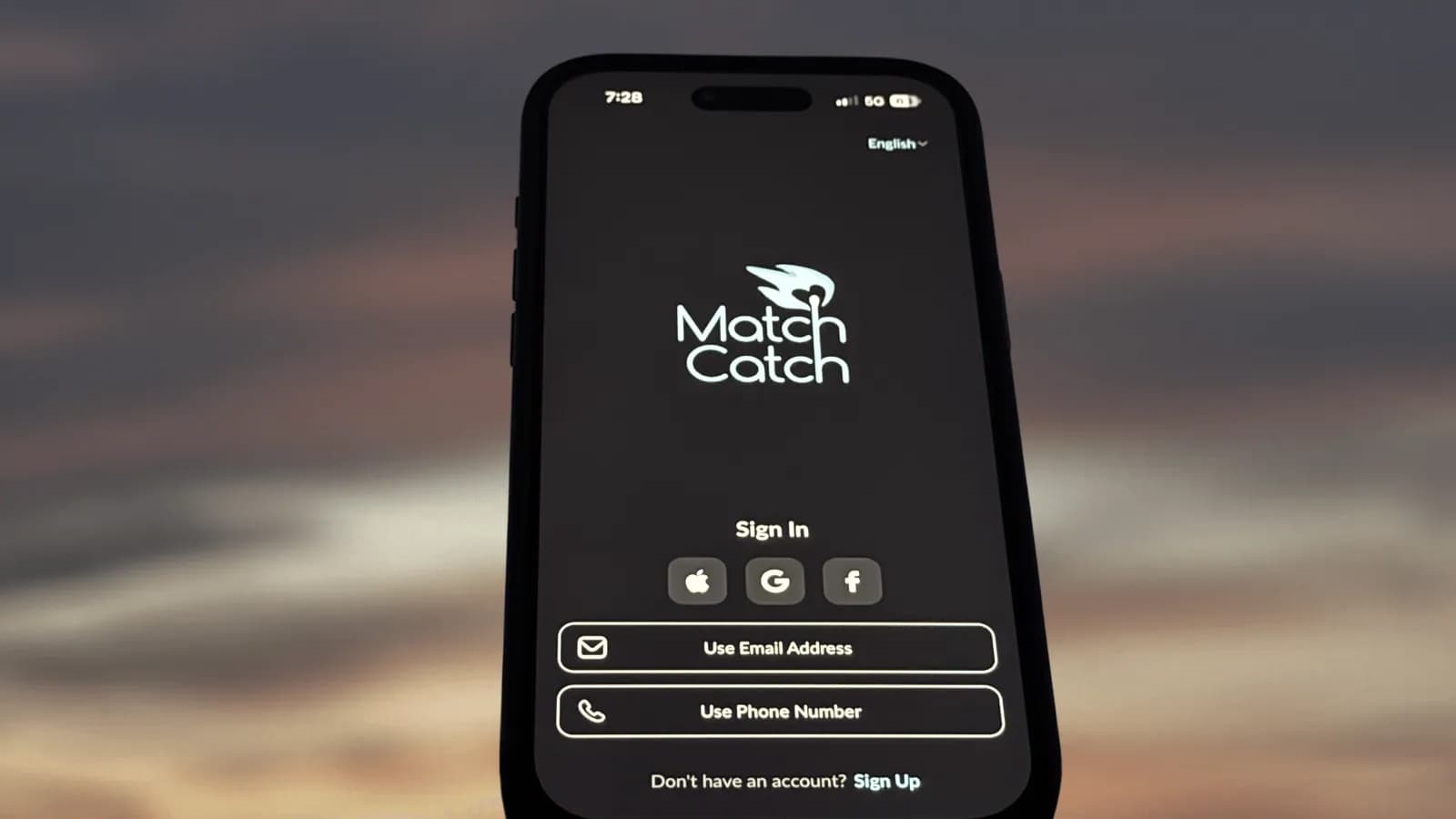
Most dating apps follow the same familiar pattern.
You create a profile.
You swipe.
You wait for a match.
Then, even when a match happens, the conversation often goes nowhere.
MatchCatch works differently.
There is no swiping, and there is no mutual match requirement before a conversation can begin. Users can browse profiles directly, notice what feels relevant, and choose who genuinely feels worth reaching out to.
The idea is simple: better context creates better conversations.
MatchCatch is built for people who want a more discreet, intentional, and privacy-conscious way to connect. That can include dating, companionship, meaningful conversation, shared experiences, mentorship, travel companionship, or a connection that develops naturally over time.
This first-timer’s guide explains how MatchCatch works and what makes the experience different.
Step 1: Create your profile
Your profile is the foundation of your MatchCatch experience.
Instead of relying on long bios, MatchCatch lets users express themselves through structured profile details and profile tags. These include photos, languages, profile tags for Interests, Personality, and Preferences, love language, voice notes, profile videos, and private media controls.
This makes profile creation easier and faster, while still giving others useful context before starting a conversation.
A good profile does not need to reveal everything at once.
It should give others enough to understand your personality, lifestyle, interests, availability, and the kind of connection you may be open to.
You can keep your public profile discreet if you prefer more privacy. For example, some users may choose a cropped, blurred, or less direct public photo, while keeping more personal photos or videos locked as private media.
This helps users balance self-expression with discretion.
The goal is not to create the loudest profile.
The goal is to create a profile that feels real, clear, and comfortable for you.
Step 2: Complete the required checks
MatchCatch uses verification checks, profile review, moderation, reporting tools, blocking, device-level safeguards, and privacy controls to help create a safer environment.
For women, face verification is required before they can interact on MatchCatch or appear to men on Discover. Women whose face verification is pending or rejected are not shown to men on Discover and cannot engage on MatchCatch until verification is approved.
Men are not required to complete face verification by default, but MatchCatch may ask users to complete additional checks where needed. This may include face verification, ID verification, or further review after reports, unusual activity, suspicious behaviour, or safety concerns.
Verification checks help reduce fake profiles and impersonation, but they do not replace personal judgment.
A safer experience comes from combining verification, moderation, privacy controls, and respectful behaviour.
Step 3: Browse without swiping
MatchCatch does not use a swipe mechanic.
Instead of making fast decisions based on a quick glance, users can browse profiles more intentionally.
This changes the pace of the experience.
You are not swiping through an endless feed or waiting for a mutual match before you can start a conversation. You can look at someone’s profile, notice shared interests or profile signals, and decide whether there is a genuine reason to reach out.
This makes the first message more intentional.
It also gives users more to talk about.
A profile might show shared interests, languages, personality traits, connection preferences, availability, lifestyle signals, voice notes, or profile videos. These details can make it easier to start with something specific instead of sending a generic opener.
Step 4: Start a direct conversation
On MatchCatch, conversations can begin more directly because there is no mutual match requirement.
Men need an active Membership to send and read messages. This adds a layer of account accountability and helps reduce spam, fake activity, and low-effort outreach.
Women can use the core app free after completing the required verification checks.
MatchCatch is also designed to discourage very low-effort openers such as “hi,” “hey,” “hello,” or “how are you.” This helps conversations begin with more care.
The best first messages usually come from the person’s profile.
- Mention something specific.
- Ask a question that is easy to answer.
- Keep the tone respectful, warm, and natural.
You can also use conversation prompts if you are not sure how to begin. Prompts can help you get started, but the strongest messages still feel edited, specific, and personal to the person you are contacting.
Step 5: Use voice notes, profile videos, and richer profile signals
Text can only show so much.
MatchCatch supports richer ways to express personality, including voice notes and profile videos. These features can help users get a better sense of someone’s tone, presence, and style before deciding whether to continue the conversation.
Voice notes can make a profile feel warmer and more human.
Profile videos can add more personality than still photos alone.
Private photos and videos can be shared with more control, because they sit behind an access request system. You decide who can view them, and access can be managed from within the app.
Within chats, users can also share disappearing photos and videos when they choose to.
These features help create more context without forcing users to reveal everything publicly.
Step 6: Manage your privacy and visibility
Privacy is a major part of how MatchCatch works.
Users can manage how much they reveal, when they reveal it, and who gets access.
MatchCatch includes privacy and discretion features such as display names, discreet public photos, private media controls, disappearing photos and videos in chat, screenshot prevention, App Lock, activity visibility settings, and Incognito Mode where available.
Private photos and videos are not visible to everyone by default. Users can approve or deny access requests, and access can be revoked.
MatchCatch also prevents photos and videos from being saved, downloaded, or forwarded.
These controls are especially useful for people who value discretion, work in public-facing roles, or simply prefer to build trust gradually before becoming more visible.
Privacy should not feel like an afterthought.
It should be part of the experience from the start.
Step 7: Stay in-app while trust is still forming
Early conversations are usually safer when they stay inside the app.
On MatchCatch, staying in-app helps preserve access to safety and privacy tools such as reporting, blocking, moderation, verification checks, encrypted in-app messaging, private media controls, disappearing photos and videos in chat, screenshot prevention, activity visibility settings, and non-clickable links in chat.
MatchCatch may also limit or restrict attempts to share phone numbers, social handles, messaging app usernames, or other off-app contact details too early. This helps reduce scams, spam, pressure tactics, and unsafe off-app movement.
Once a conversation moves outside the app, MatchCatch has less visibility and fewer ways to review behaviour, support reports, or act on unsafe patterns.
A genuine connection should respect your pace.
Step 8: Report, block, or slow down when needed
You do not need to continue any conversation that makes you uncomfortable.
MatchCatch gives users access to reporting and blocking tools so suspicious, unsafe, or disrespectful behaviour can be reviewed.
Reports are taken seriously, especially when they involve suspected scams, impersonation, harassment, pressure tactics, suspicious behaviour, requests for money, private media pressure, or attempts to move users off-app too quickly.
MatchCatch may review accounts, restrict access, require additional verification, or take further action where needed.
The app also uses device-level safeguards to help reduce repeat abuse. If an account is disabled for serious violations, suspicious activity, impersonation, scams, harassment, or unsafe behaviour, the associated device may also be restricted from accessing the app or creating new profiles.
No platform can remove every risk.
But a safer dating environment should make it harder for fake accounts, scammers, and repeat abusers to operate freely.
Frequently asked questions about how MatchCatch works
A more intentional way to connect
MatchCatch is built for people who want a safer, more considered way to meet.
- No swiping.
- No mutual match requirement.
- More profile context.
- More privacy control.
- More intentional conversations.
The experience is designed to help users connect with greater clarity, comfort, and discretion from the start.
Verified. Private. Built for better connections.
New to MatchCatch? Discover a more intentional way to connect, with privacy controls, verification checks, and direct conversations built in from the start.